
A practical guide to everything inside.
No mystery buttons. These are the actual sections and how each one helps your daily work.
Driver Workspace
An overview of assigned work, the next stop, quick directions and easy-to-find job instructions. The preview demonstrates the intended workflow; live assignments are not connected yet.
Preview the Driver Screen →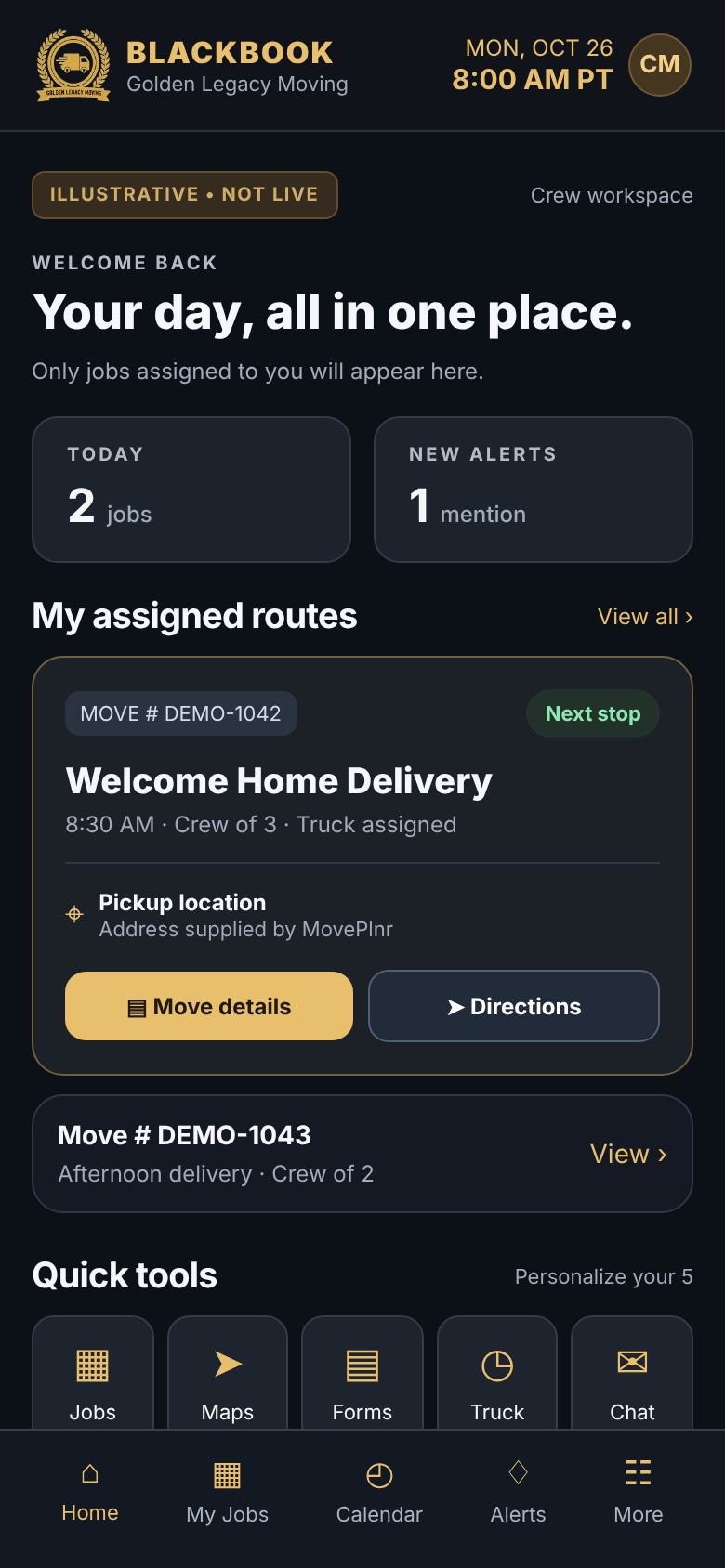 SAMPLE · NOT LIVE
Move Details & Inventory
The future combined view will show the MovePlnr move number, Porwork contract and itemized furniture list for authorized Welcome Home jobs, plus crew, addresses and customer instructions.
See the Move Details Sample →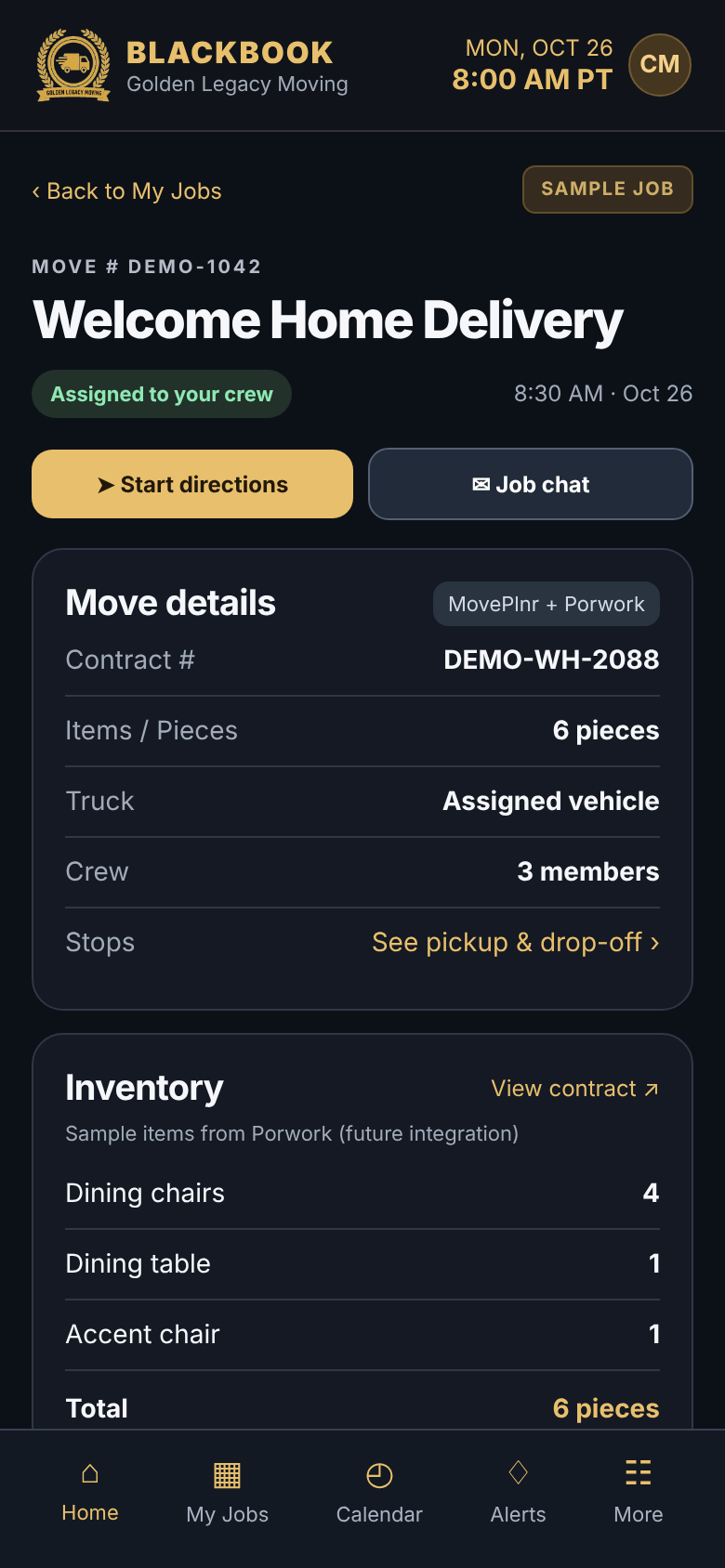 SAMPLE · NOT LIVE
Day, Week & Month Calendar
Switch views and see where job counts will appear. MovePlnr remains the scheduling system; BLACKBOOK will not invent job numbers when the integration is missing.
See the Calendar Sample →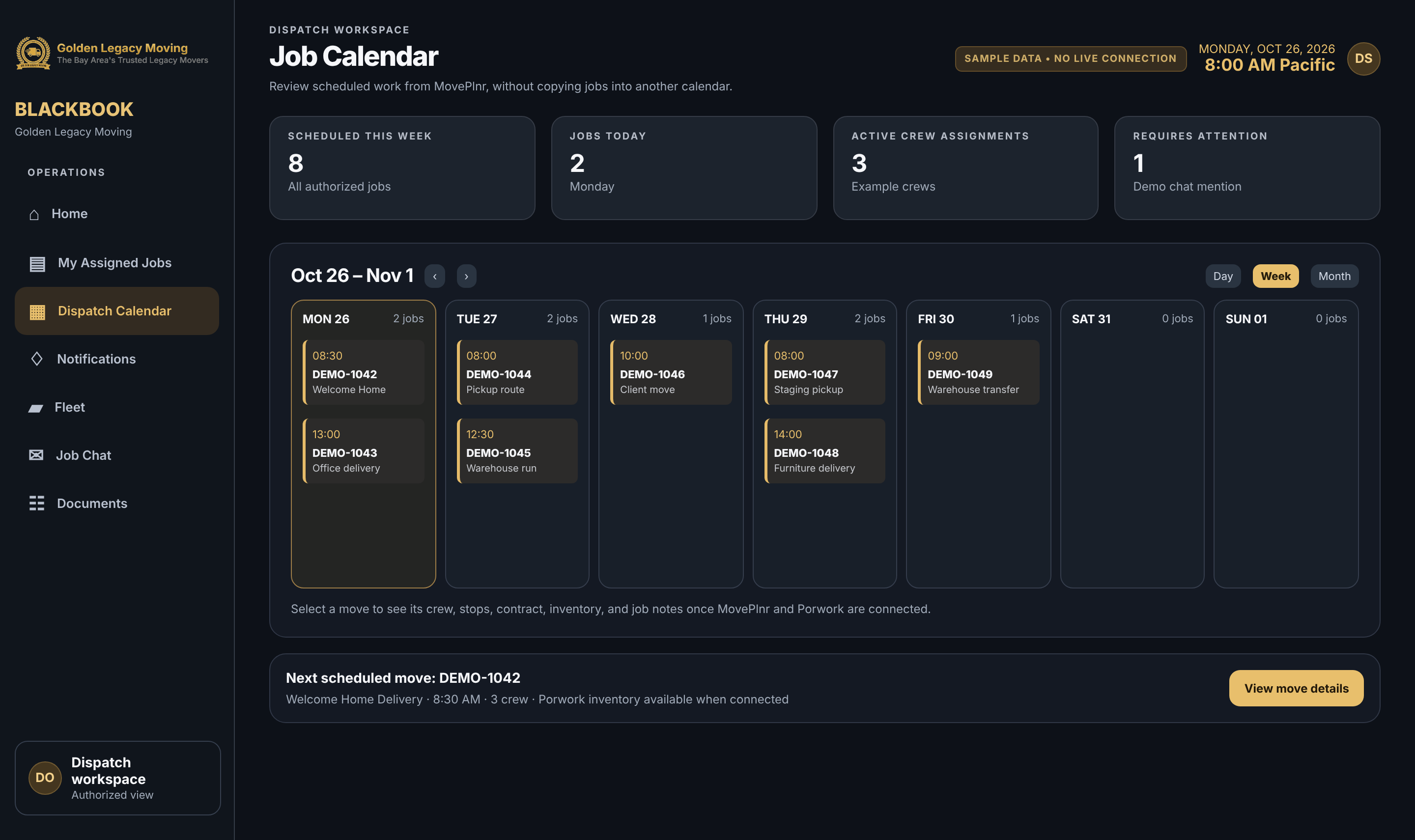 SAMPLE · NOT LIVE
Five Favorites & Recently Used
Add five shortcuts in one tap, apply Driver / Dispatch / Office presets, and reopen your last six tools. These work now, on each device.
Learn to choose favorites →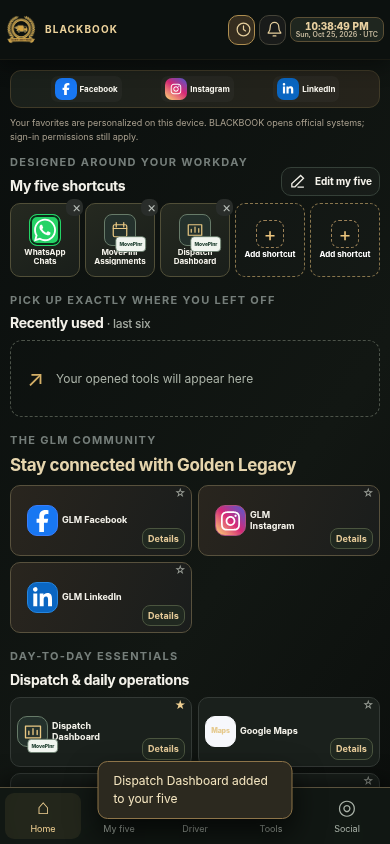 ACTUAL INTERFACE SCREENSHOT
Live Clock & Personal Preferences
Turn the header clock on only when useful. Choose Philippines, US Pacific, Eastern, Central or UTC. Favorite choices and clock settings remain on your own device.
See clock setup →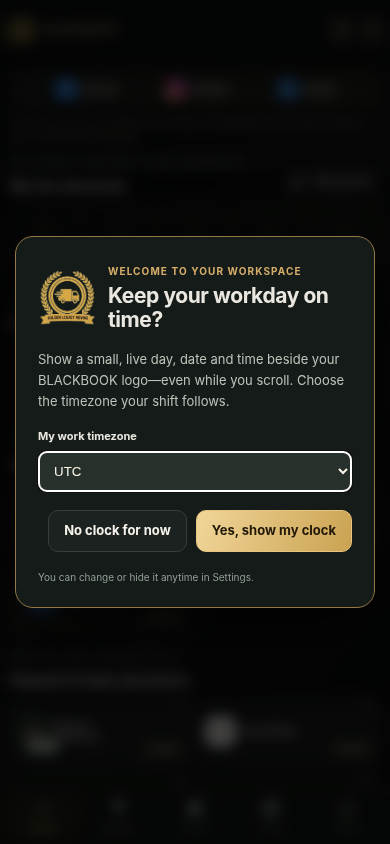 ACTUAL INTERFACE SCREENSHOT
Useful links, not dead ends.
Company documents & SOPs
Company reference documents have their own page again. No need to hunt through old Drive messages.